

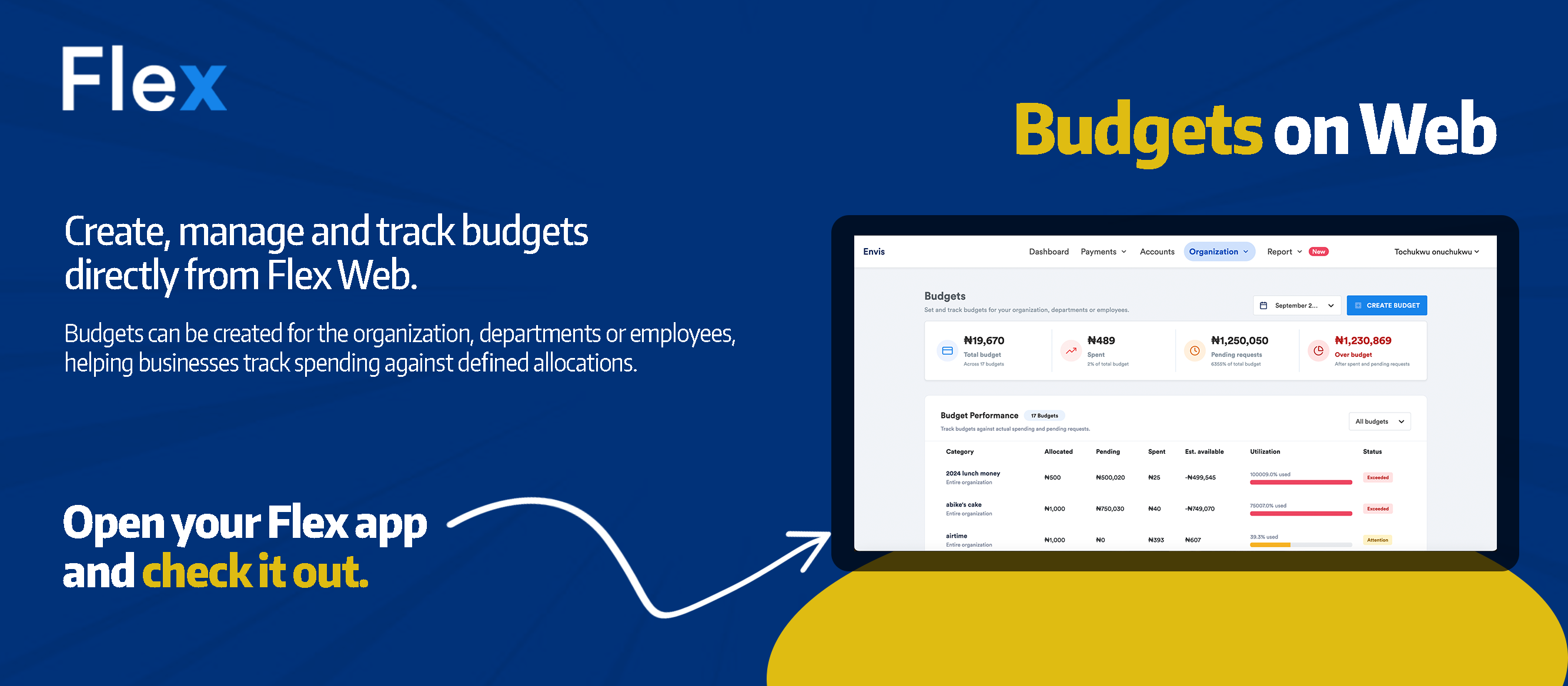
Budgets are now available on Flex Web.
That means you can create, manage and track your company budgets directly from your desktop, alongside the rest of your business spending workflow.
The budgeting tools already available on the Flex mobile app can now be accessed on web too.
So whether you are working from your phone or sitting at your desk, you can keep a clearer view of where company money is going.
Create business budgets directly from your desktop
A budget should do more than tell you how much money was allocated.
It should help you answer:
How much have we spent?
How much is left?
Are we still within budget?
With Budgets on Flex Web, finance teams and business owners can manage these questions from one place.
You can:
- Create new budgets
- Manage existing budgets
- Track how much has been spent
- See how much is left
- Monitor company spending from your desktop
This gives teams another way to stay close to how company money is being used.
Plan the money. Track the spend. Stay on budget.
Budget management becomes more useful when it sits close to the spending itself.
Flex helps businesses manage the wider spending workflow around each budget.
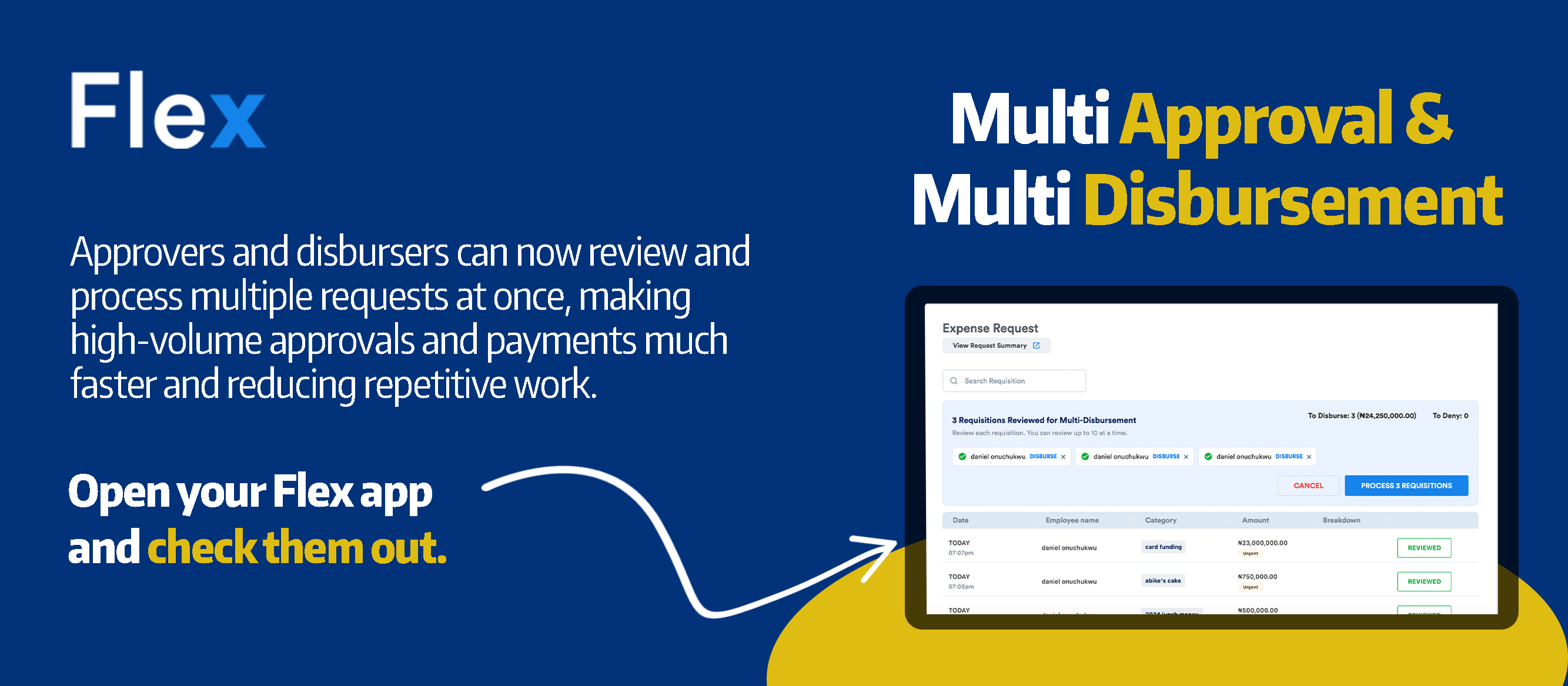
An employee can make an expense request.
The appropriate person can approve it.
Finance can disburse the money.
The expense can be recorded.
And the business can keep track of spending against its budgets.
Instead of budgeting in one place and managing spending somewhere else, Flex brings those workflows closer together.
See where company money is going
For a growing business, one company-wide number rarely tells the full story.
Different teams, departments, projects or areas of the business may have different spending priorities.
Budgets help give those allocations structure.
A business can decide how much money should be available for a particular purpose and then monitor how that allocation is being used.
With Flex, the goal is simple:
Know what was planned.
Know what has been spent.
Know what is left.
That visibility helps businesses make better spending decisions without waiting until the end of the month to understand what happened.
Budgeting is part of a bigger spending workflow
Budgets are most useful when they work together with the rest of your business spending controls.
Flex helps businesses manage:
Expense Requests
Employees can request company money through a structured process.
Approvals
Requests can move to the appropriate approvers before money is spent.
Disbursements
Approved requests can be paid through Flex.
Spend Controls
Businesses can set rules around how much can be spent and when employees and accounts are allowed to spend.
Budgets
Teams can allocate money, track spending and monitor what remains.
Virtual Cards
Businesses can manage card spending and monitor recurring payments.
Accounting Integrations
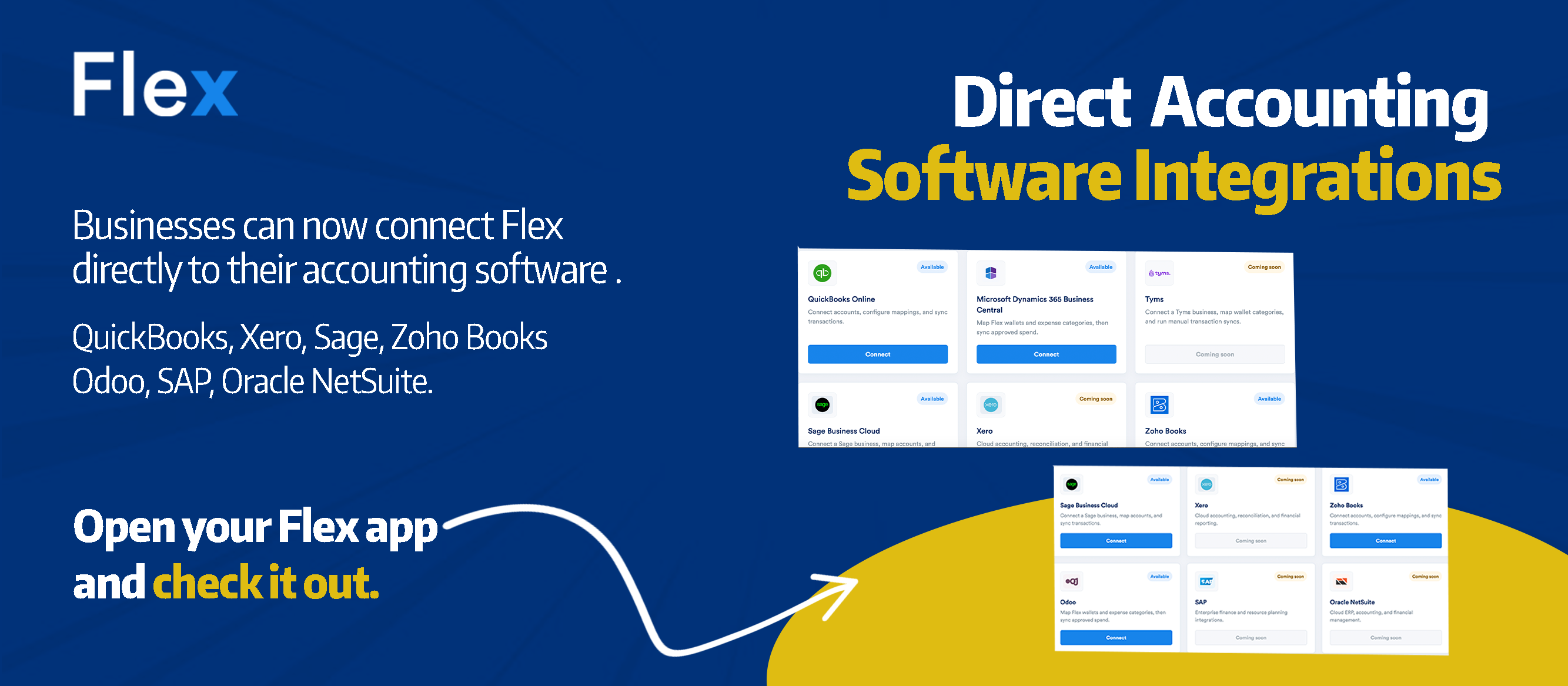
Flex can also connect with accounting platforms including QuickBooks, Xero, Sage, Zoho Books and more.
Together, these features give businesses a more connected way to manage company spending.
Manage budgets from web or mobile
Sometimes a quick check on your phone is enough.
Other times, you want to sit at your desk and review company spending on a larger screen.
Now you can do both.
Flex Budgets are available across mobile and web, giving teams more flexibility in how they manage company spending.
Your budgets stay the same.
You simply have more ways to access and manage them.
Built for businesses that want better visibility over spending
Budgeting is not only about limiting spending.
It is about giving teams a clear plan for how company money should be used.
When businesses can see what was allocated, how much has been spent and what remains, finance teams can manage resources with greater confidence.
That is what Budgets on Flex Web is designed to make easier.
Plan the money. Track the spend. Stay on budget.
Start managing your budgets on Flex Web
Create and track company budgets directly from your desktop.
Frequently Asked Questions
Can I create budgets on Flex Web?
Yes. Flex users can now create and manage business budgets directly from Flex Web.
Can I track how much has been spent from a budget?
Yes. Flex allows you to monitor how much has been spent and see how much remains within a budget.
Are Flex Budgets available on mobile?
Yes. Flex Budgets are available on mobile, and the budgeting tools are now also available on Flex Web.
Who can use business budgets on Flex?
Budgets are designed to help businesses and finance teams plan and monitor company spending. Access may depend on the permissions assigned within your organisation.
Can Flex help manage spending beyond budgeting?
Yes. Flex also supports expense requests, approvals, disbursements, spend controls, virtual cards, receipts and accounting integrations.
Can Flex connect budgeting with the rest of our spending process?
Yes. Budgets sit within the wider Flex spend management workflow, allowing businesses to manage spending from requests and approvals through to payments and accounting.
Share this post





.png)